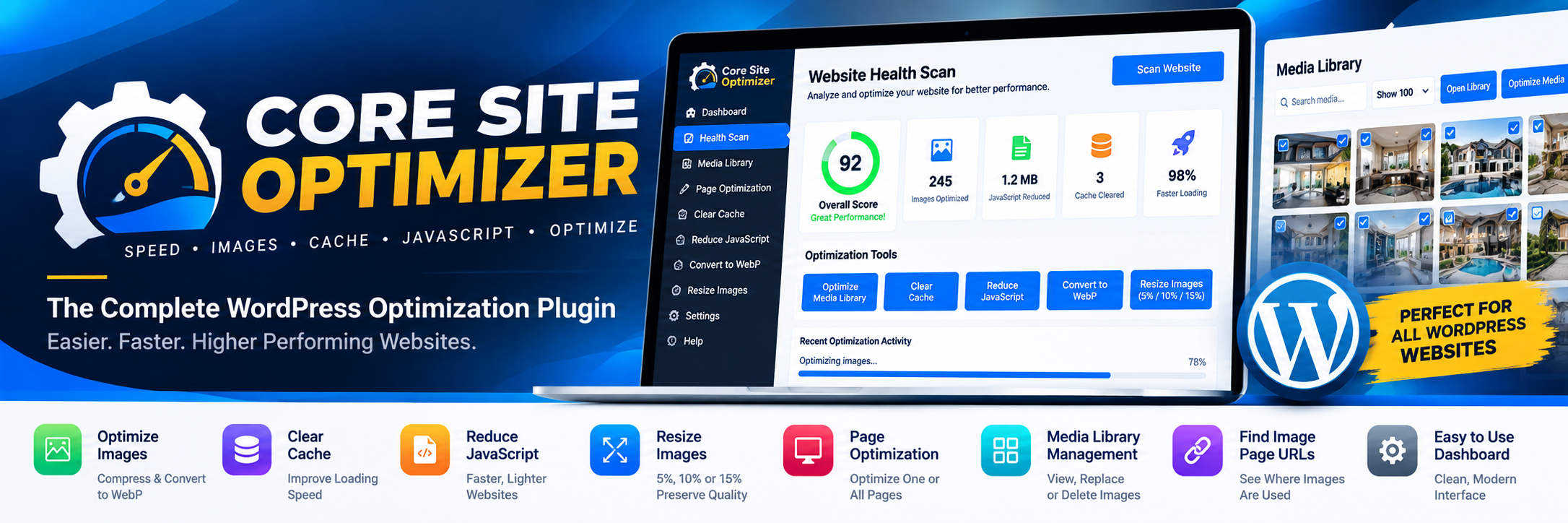
Core Site Optimizer
Paste one or multiple page URLs, select one or more actions, and process every URL from one clean dashboard.
Optimize Media Library Images
Search the synchronized WordPress image library by image details or paste one or multiple page URLs to show every image used on those pages.
Media Library Images
Loading…
0%Ready
Scan & Optimization Status
| URL | HTTP | Desktop / Mobile | Images | Largest Image | JavaScript | Largest JS | Status |
|---|---|---|---|---|---|---|---|
| Search page URL(s), select one or more optimization actions on a detected page URL row, then click Optimize Page. | |||||||
No images selected.
What can you Optimize!
Paste one page URL or many URLs at once and scan response time, images, and JavaScript from the same dashboard.
Review desktop/mobile response time, image weight, JavaScript weight, largest images, and largest scripts for every scanned URL.
See live URL results and operation progress above the Media Library image grid while you continue working on the same page.
Clear cache for one or multiple local URLs and supported site caches without deleting page content.
Apply safe deferred loading to eligible scripts without deleting or rewriting JavaScript files.
Create smaller image derivatives while keeping the original Media Library image files and dimensions intact.
Create WebP derivatives without deleting originals and use them only when they remain dimension-safe and smaller.
Choose the optimization-strength preset beside the Media Library filters while keeping existing image pixel width and height unchanged.
Expand the synchronized Media Library inline, show 50, 100, 200, or all images, search by image details, or paste one or multiple page URLs to show the images used on those pages.
Every library image stays in the existing square contain-fit view so portrait, landscape, and square images remain completely visible.
Hover over a thumbnail for a larger view or click the thumbnail for the full-image preview without changing the stored image.
Use the Optimize Image button on an individual card. If that image is part of a selected group, the selected group can be optimized together.
Select one, multiple, visible, or all Media Library images. Use Optimize Media beside Select All Images for the selected scope, or Optimize All Media for the full library.
Show clickable published-page URLs for each selected image detected in WordPress or Elementor content.
For every detected page URL, select Clear Cache, Reduce JavaScript, Compress Images, WebP, Resize Images, or any combination, then optimize the entire page.
Remove only checked image references from selected page URLs. The WordPress page itself is never deleted.
When permanent deletion is chosen, remove detected page references first and then delete only the selected Media Library image attachment.
Replace only the chosen image while preserving its existing attachment ID, URL, exact dimensions, and generated-size locations.
Work with standard WordPress content and Elementor image references while clearing related caches after supported changes.
Choose replacement image
The existing attachment ID, URL, dimensions, and generated-size filenames remain unchanged.